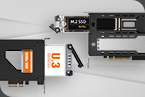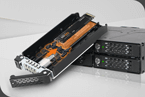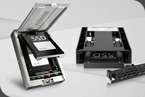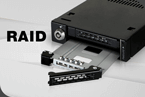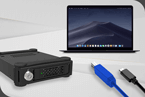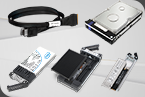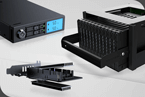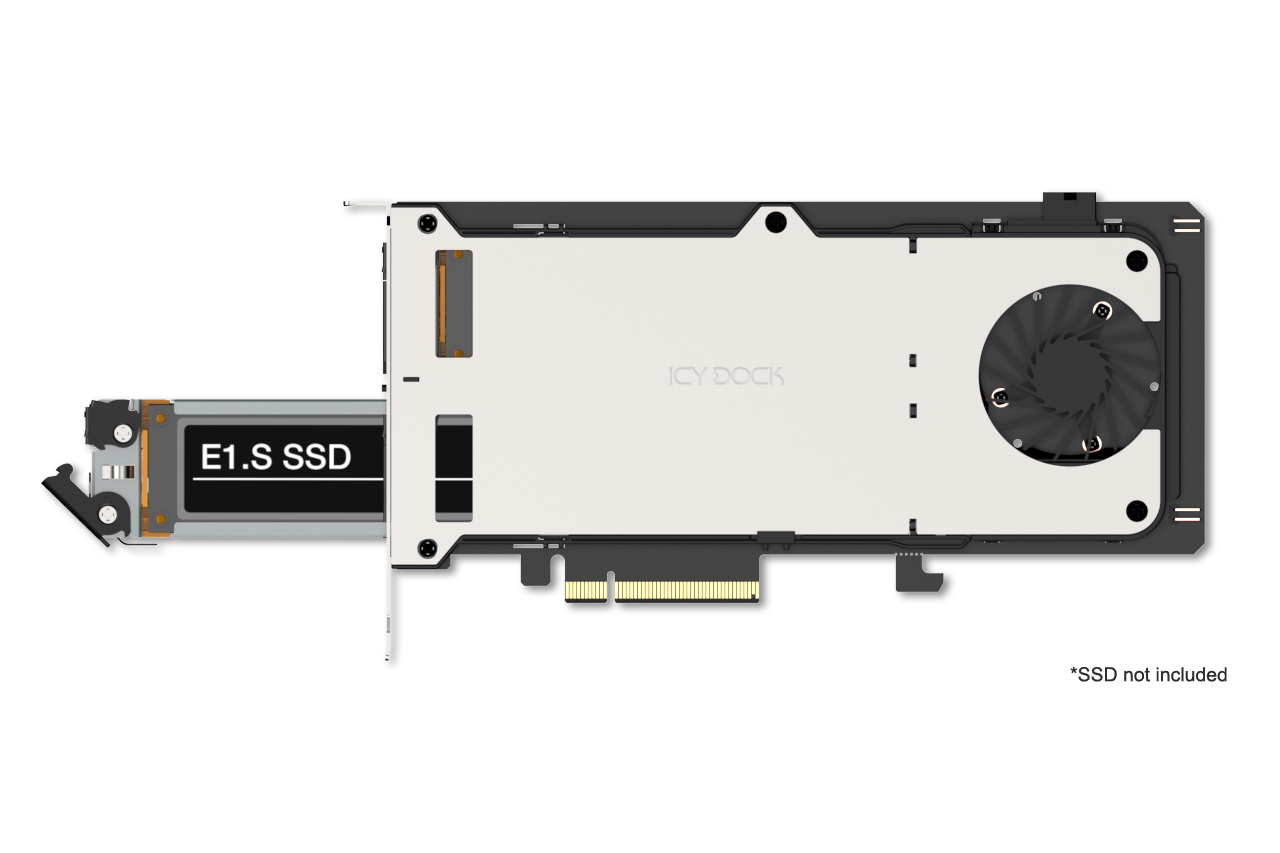
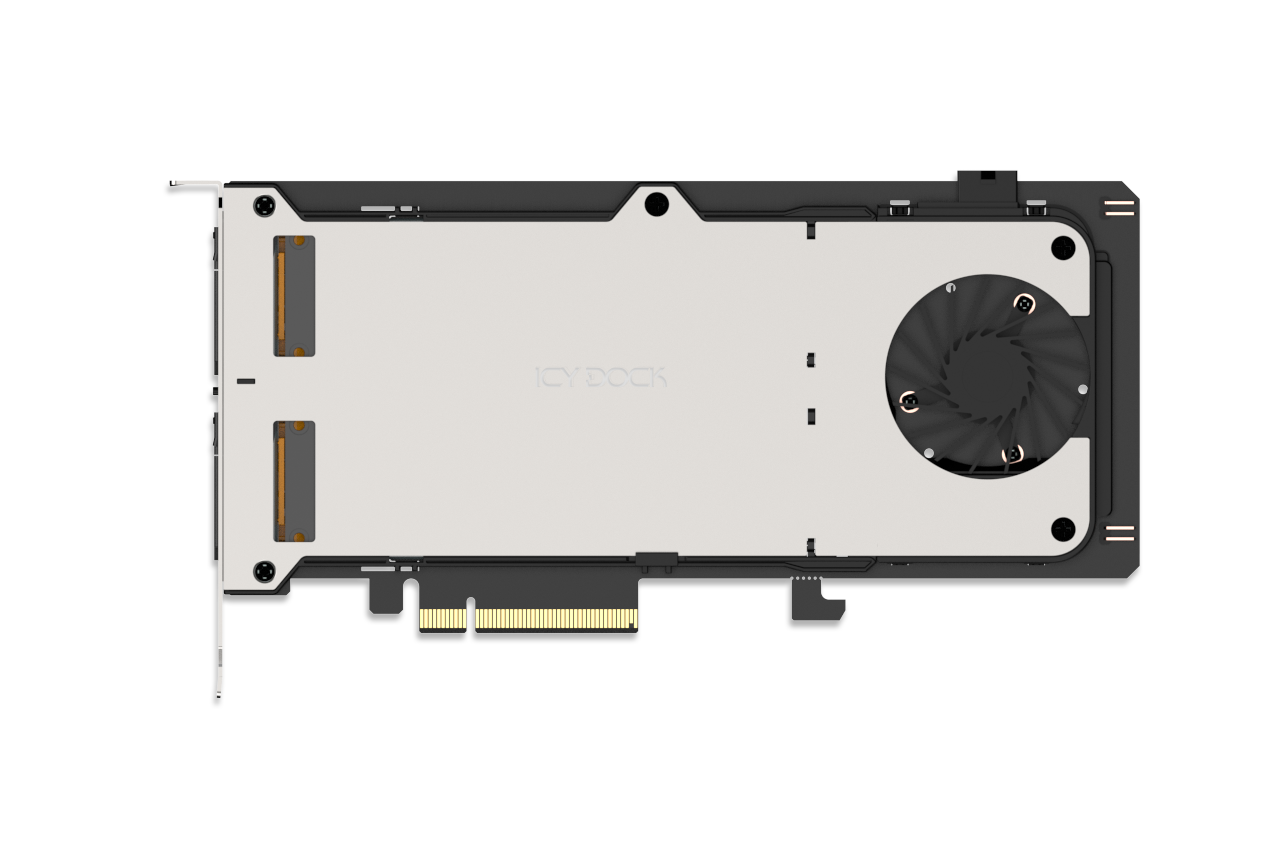
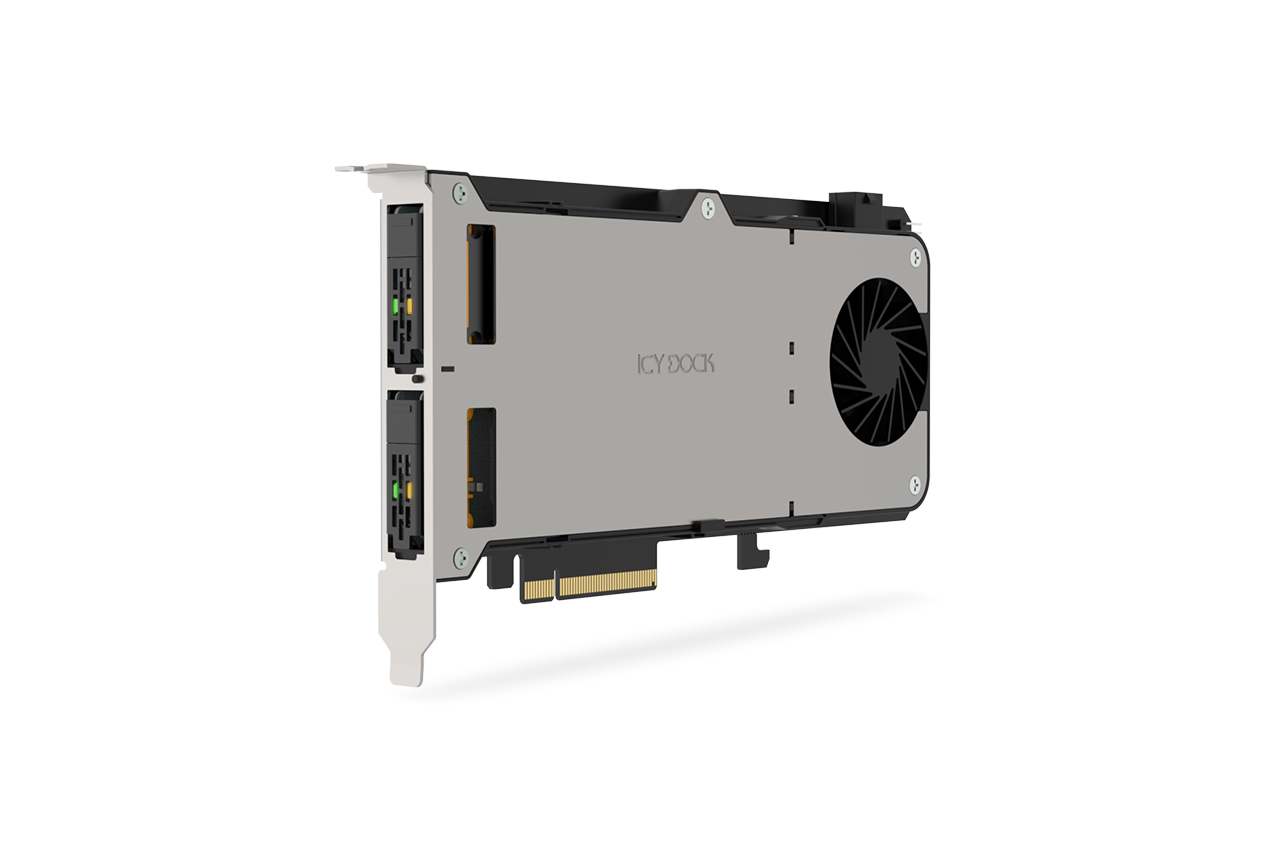
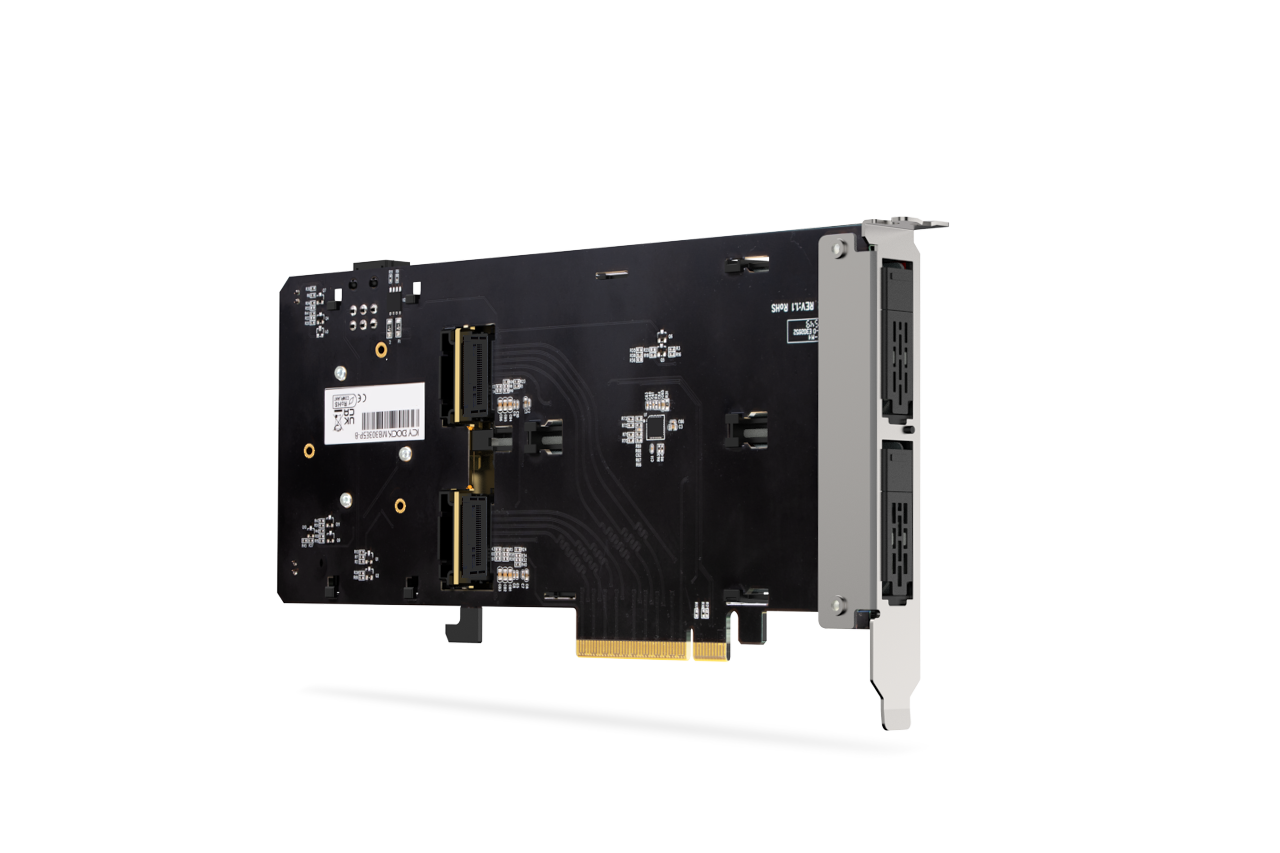
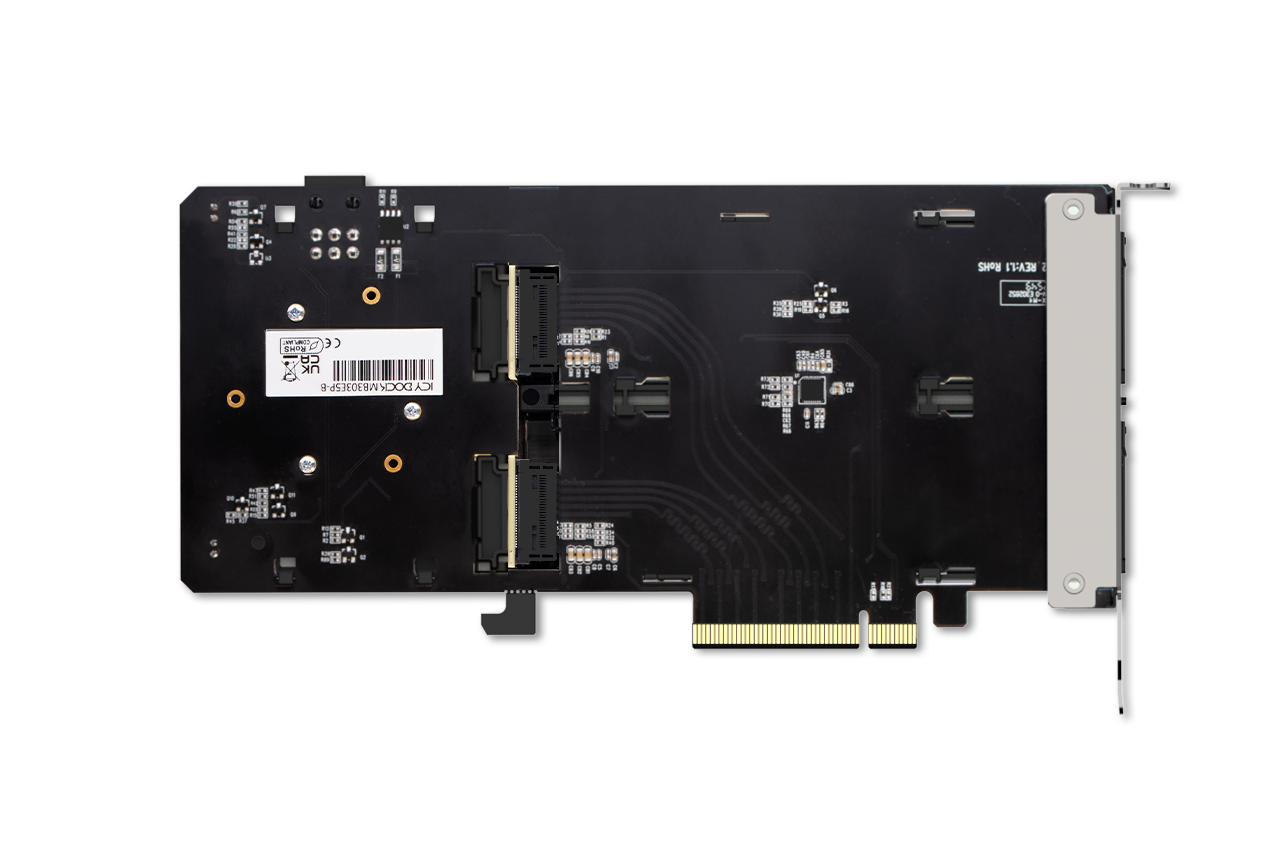




E1.S (EDSFF) SSDs werden zunehmend in modernen Plattformen eingesetzt, die auf hohe Dichte, Wartungsfreundlichkeit und PCIe Gen5 Leistung ausgelegt sind. Die MB303E5P-B eignet sich besonders für Szenarien, die eine kompakte Dual-Laufwerkskonfiguration innerhalb eines einzelnen PCIe Slots erfordern, wie beispielsweise:
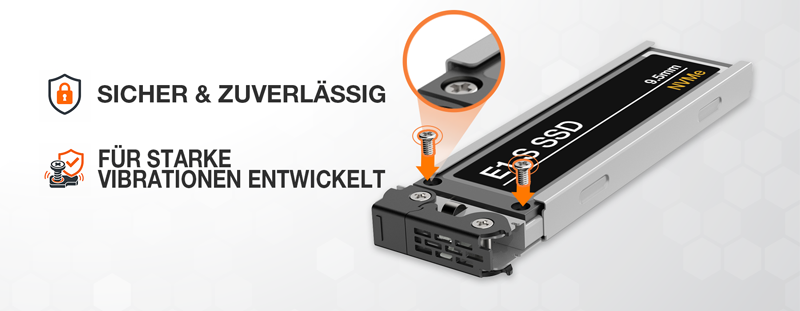
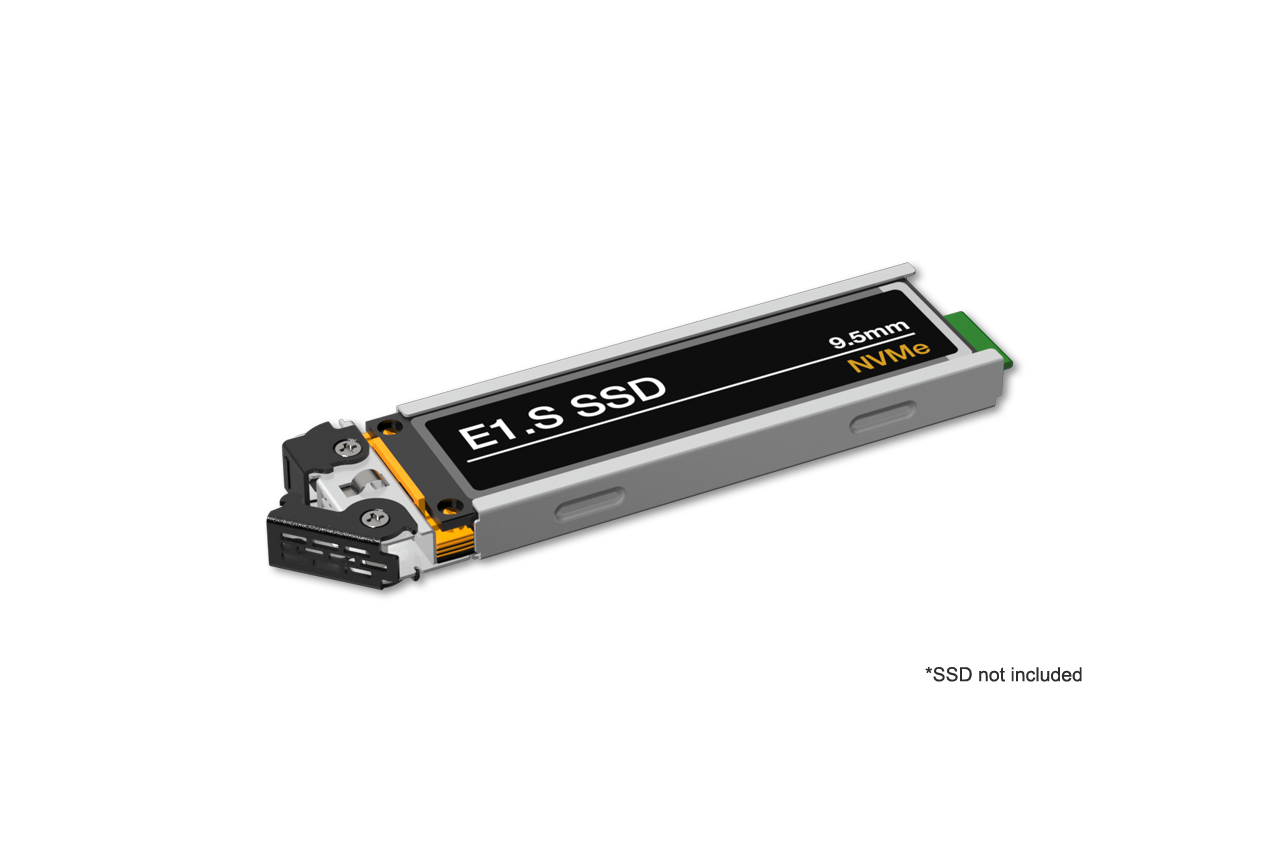
| • | Unterstützt 2 × E1.S NVMe SSDs (9,5 mm) mit werkzeugloser SSD Installation |
| • | Passend für Single Slot, Full Height 3/4 Length PCIe Kartenformat |
| • | PCIe 5.0 x4 Schnittstelle pro SSD, bis zu 128 Gbps jeweils |
| • | Erfordert PCIe Bifurcation: ✓ PCIe x8 Slot (x4/x4), oder ✓ PCIe x16 Slot (x4/x4/x4/x4) |
| • | Kompatibel mit PCIe 5.0 x8 / x16 Slots (mit Bifurcation Unterstützung) |
| • | Integrierter rahmenloser 50 mm Lüfter für aktive Kühlung |
| • | Versiegeltes Luftstromkammer-Design für maximierte Kühleffizienz |
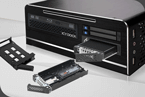

| • | Zwei herausnehmbare SSD Caddys für schnelle Wartung und Austausch |
| • | EMI Erdung – schützt Laufwerke vor elektrischen Störungen |
| • | Active Power Technology (APT) – LED und Lüfter werden nur aktiviert, wenn ein Laufwerk installiert ist |
| • | Branchenführende eingeschränkte 5 Jahres Garantie |
| • | Kostenloser Support durch professionell geschulte technische Supportmitarbeiter mit Sitz in den USA |
| Modellnummer: | MB303E5P-B |
| Farbe: | Schwarz & silber |
| Unterstützte Laufwerksgröße: | 2 x E1.S SSD (unterstützt nur E1.S SSDs mit 9,5 mm Höhe) |
| Kompatibler Laufwerkstyp: | E1.S PCIe 5.0/4.0/3.0 NVMe SSD |
| Anzahl der Laufwerke: | 2 |
| Kompatibler PCIe Slot: | 1 x PCIe 5.0 x8 / x16 Erweiterungsslot (Mainboard benötigt PCIe x8 Slots mit Bifurcation in x4/x4 oder PCIe x16 Slots mit Bifurcation in x4/x4/x4/x4) |
| Host Schnittstelle: | PCIe 5.0 x8 |
| Stromanschluss: | Über PCIe und 6 Pin PCIe Stromanschluss |
| Übertragungsrate: | Bis zu 128 Gbps (abhängig von der Laufwerksgeschwindigkeit) |
| Unterstützte SSD Kapazität: | Keine Einschränkung |
| Laufwerkskühlung: | 1 x 50 x 50 x 15 mm Lüfter |
| Struktur / Material: | Metall mit teilweise ABS Kunststoff |
| Abmessungen (B x H x T): | 121 x 21,8 x 226,8 mm |
| Produkt Nettogewicht: | 315,7 g |
| Verpackung Nettogewicht: | 417,2 g |
| Status-LED Anzeige des Laufwerks: | Grün: LED (Laufwerksstrom: dauerhaft grün, Laufwerkszugriff: blinkend grün) Orange: LED (Funktion wird durch den Host definiert) Leer: LED aus |
| Betriebsspannung: | 12V, 3,3V |
| Stromverbrauch (ohne SSD): | 3W |
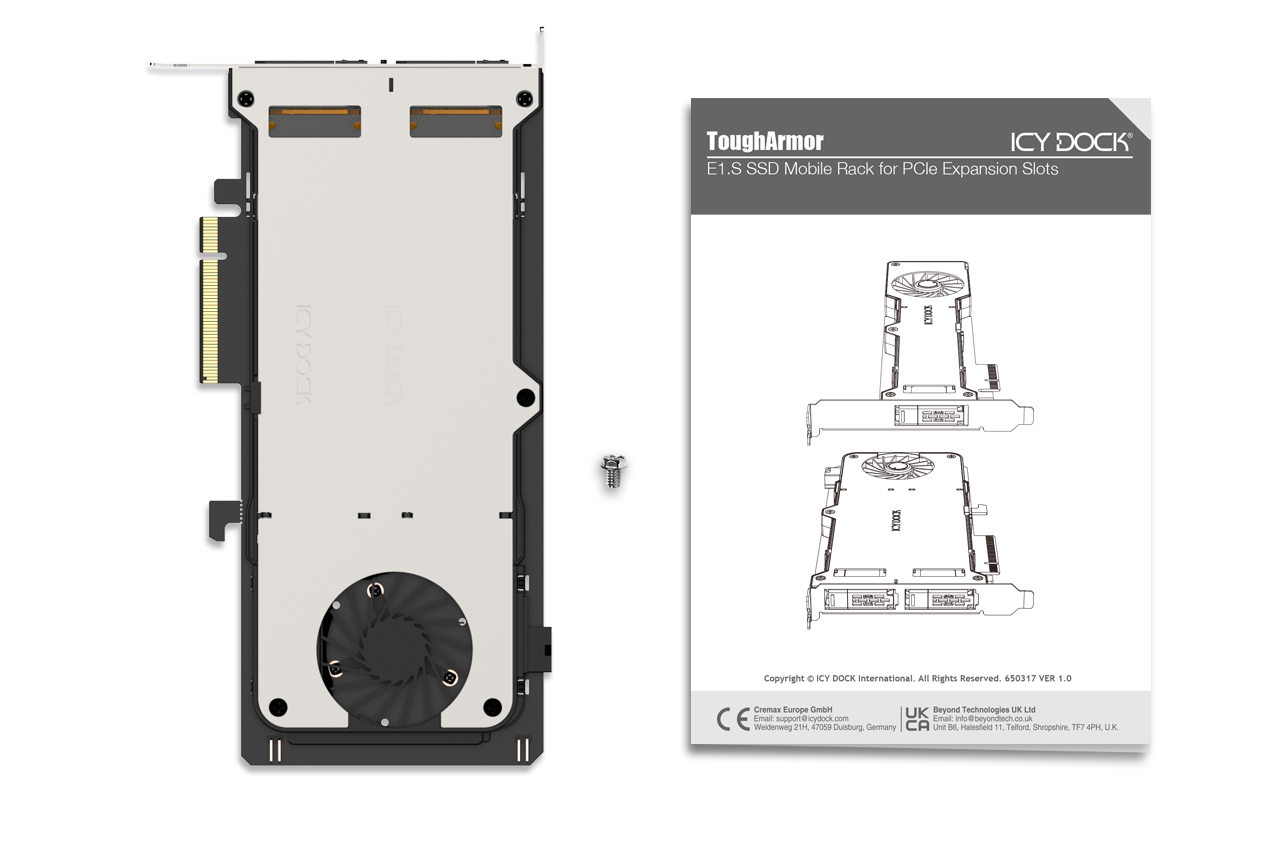
| Verpackungsinhalt: | Gerät, Benutzerhandbuch, Schrauben |
| Steckzyklen des Anschlusses: | 5.000 |
| Luftfeuchtigkeit: | 5%~65% RH |
| Betriebstemperatur: | 0°C bis 70°C (32°F bis 158°F) |
| Lagertemperatur: | -35°C bis 75°C (-31°F bis 167°F) |
| Zertifizierungen: | CE, UKCA, RoHS, REACH |
| Garantie: | 5 Jahre |
Kompatibler Laufwerkstray (Caddy):
Verwandte Produkte:
Verwandte Produkte-Serien:


Schnellzugriff:
Q: Why does my new NVMe SSD show performance degradation or inconsistent behavior when connected through a PCIe adapter mobile rack?
A: High-speed PCIe devices, such as NVMe SSDs, require precise and stable signal integrity to operate correctly. If your NVMe SSD is connected via a PCIe adapter mobile rack that is inserted into a CPU-connected PCIe slot far from the CPU, the longer motherboard traces can increase the risk of signal degradation. This degradation can cause your NVMe SSD to experience performance drops, instability, or inconsistent behavior.
To ensure optimal performance, it is strongly recommended to install the PCIe adapter mobile rack into a PCIe slot closest to the CPU. Doing so minimizes the physical distance for signal transmission, significantly reducing the potential for signal degradation and ensuring stable, consistent performance and expected transfer speeds.
Q: The system does not detect the E1.S SSD I installed in the ICY DOCK enclosure. What should I do?
A: Since the motherboard and operating system may not support hot-swapping, if their compatibility has not been confirmed, we highly recommend powering off the device/system before inserting or removing an E1.S SSD.
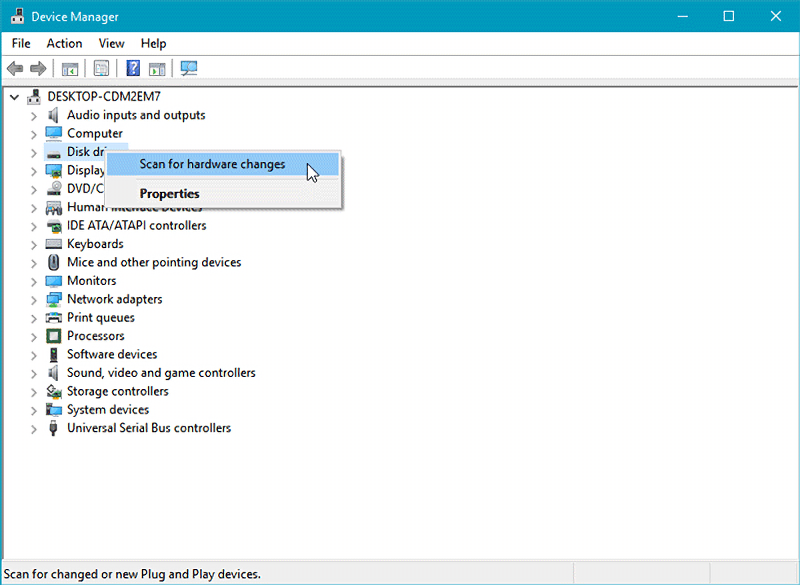
If the system is still unable to detect the drive after installation, please follow the steps below to manually scan for new hardware:
Windows 11 / Windows 10 / Windows 8 – In the search box on the taskbar, type device manager, and click it from the menu. Once the device manager window pops up, right-click on the disk drive icon, and click scan for hardware changes.
Windows 7 – Right-click on the computer icon on the desktop, select properties, click device manager, right-click on the disk drive icon and then click scan for hardware changes.
Q: What is the function of the 2-pin (2P) header on the MB303E5P-B?
A: The 2-pin (2P) header on the MB303E5P-B is designed as an input interface for the E1.S SSD’s amber LED signal. It allows the host system to drive and control the amber LED indicator on the installed E1.S SSD.
Q: What does the amber LED on the E1.S SSD indicate?
A: The amber LED is typically used for drive status indication, such as Fail or Locate, based on industry-standard definitions. However, the actual behavior and meaning of the LED are determined by the host system implementation.
Q: How is the amber LED controlled on the MB303E5P-B?
A: The amber LED is not autonomously controlled by the adapter itself. Instead, the control signal must be provided externally via the 2P header from the host system or controller. The MB303E5P-B acts as a pass-through interface for this LED signal.

*Amazon Affiliate Links
Wird Amazon als Onlinehändler für bestimmte Produkte verlinkt, so wird für gewöhnlich ein Amazon Affiliate Link verwendet. Als Amazon-Partner verdient ICY DOCK beziehungsweise die Cremax Europe GmbH an qualifizierten Verkäufen.